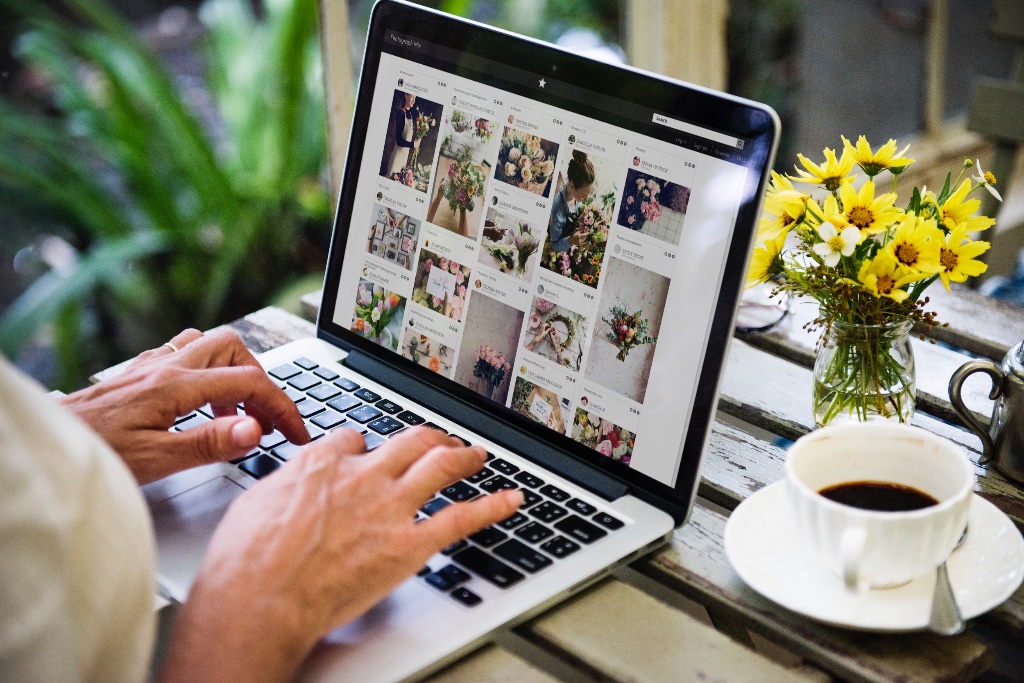
How to Wow Clients With a Live Photo Wall at Their Event
A practical guide for wedding and event planners who want to stand out — and give guests something to talk about long after the night is over.
There's a moment at every event when the energy shifts.
The speeches are done, the dancing has started, and suddenly someone spots it — a screen at the back of the room filling up with photos in real time. Their photo. Their friend's photo. The moment that happened twenty minutes ago, right there on the wall.
People stop. They point. They grab their friends. And then they pull out their phones and start shooting more.
That moment — that's a live photo wall done right. And as an event planner, it's one of the most powerful tools you're probably not using yet.
What Is a Live Photo Wall, Exactly?
A live photo wall is a real-time display — on a TV, projector, or any screen at your venue — that shows guest-submitted photos as they're uploaded throughout the event.
Guests snap a photo, upload it from their phone browser, and within seconds it appears on screen for the whole room to see. No professional setup required. No dedicated hardware. Just a screen, a Wi-Fi connection, and a QR code on the tables.
The effect is immediate and social. When guests see their moments reflected back at them in real time, they don't just watch — they participate.
Why Event Planners Should Care
You already handle venues, catering, timelines, and a hundred other moving parts. So why add one more thing?
Because the live photo wall is one of the rare tools that creates value for everyone simultaneously — your client, their guests, and you.
For your client:
They get a complete photo collection from every angle of their event — not just the official shots, but the candid moments their photographer couldn't have captured. The crying uncle. The best man's face during the speech. The group of friends recreating a photo from ten years ago.
These are the photos couples and clients treasure most.
For their guests:
Participation transforms a passive attendee into an active part of the story. Guests who feel involved stay longer, engage more, and remember the event better. A live wall turns a room of individuals into a community.
For you:
It's a tangible, visible feature that clients can point to. Something that makes your events feel more alive than competitors'. Something that photographs well, looks premium on screen, and generates genuine word-of-mouth. That's marketing that happens at the event itself.
How to Set It Up in Under 10 Minutes
This is where most planners assume it's complicated. It isn't.
With a tool like Photo Poodle, here's the complete setup:
- Create your event — takes two minutes, no technical knowledge needed
- Print the QR code — place it on tables, in the welcome area, or include it in the event programme
- Connect any screen — a TV, a projector, a spare laptop on a stand — open the live wall URL in fullscreen
- That's it
Guests scan the QR code, open Photo Poodle in their phone browser (no app download, no login), see a fun photo prompt, and upload. Photos appear on screen within seconds. The whole thing runs itself.
The Details That Make It Feel Premium
Setup is easy — but the experience is in the details. Here's what separates a forgettable photo wall from one that becomes the highlight of the night:
Place the screen where it can't be missed. The best position is somewhere guests face naturally — behind the bar, at the end of the dance floor, or opposite the main entrance. Not tucked in a corner. The screen needs to be seen to create the social effect.
Announce it early. Mention the photo wall during the welcome speech or briefing. Something as simple as "There's a live photo screen tonight — scan the QR code on your table and see yourself up there" is enough to plant the seed.
Use photo prompts. The difference between 20 uploads and 200 uploads is usually prompts. Instead of just "upload your photos," give guests something to do: "Find the best reaction to the speeches" or "Capture the most enthusiastic dancer." Photo Poodle has built-in prompts you can customise per event.
Brief the photographer. Let your photographer know the wall is running. Some of the best moments happen when the photographer captures guests reacting to seeing their photo on screen.
Display it during quieter moments. The live wall works brilliantly during dinner, the cocktail hour, and transitions between segments — times when guests need something to engage with.
A Feature Clients Will Actually Remember
Most event technology is invisible. It works in the background, and nobody notices unless it goes wrong.
A live photo wall is the opposite. It's visible, social, and emotional — and it gives clients something concrete to show when they're recommending you to a friend.
"Our planner set up this live photo screen and everyone was obsessed with it" is exactly the kind of story that drives referrals. It's specific. It's memorable. It's a detail only your events have — if you choose to use it.
How to Position It With Clients
You don't need to upsell this as a complicated tech package. The pitch is simple:
"I include a live guest photo wall at your event. Guests scan a QR code, upload photos throughout the night, and everything displays on screen in real time. You'll end the night with hundreds of candid photos from every corner of the room — and your guests will love seeing themselves up there."
No jargon. No technical explanation needed. The value is self-evident.
For agencies working across multiple events, it's also worth building it into your packages as a standard feature. Clients will start expecting it — and events without it will feel like something is missing.
The Bottom Line
A live photo wall isn't a gimmick. It's a genuine experience upgrade that changes how guests interact with each other and with the event itself.
As an event planner, your job is to create moments your clients can't stop talking about. A room full of people laughing as they see their photos appear on screen in real time — that's exactly that kind of moment.
And with tools like Photo Poodle, it takes less than ten minutes to set up.
Ready to try it at your next event? Photo Poodle is free to start — no app download needed for guests. Visit photopoodle.com to create your first event.
Ready to activate your guests?
Create your first event free. No app download required for guests.
Create your event